
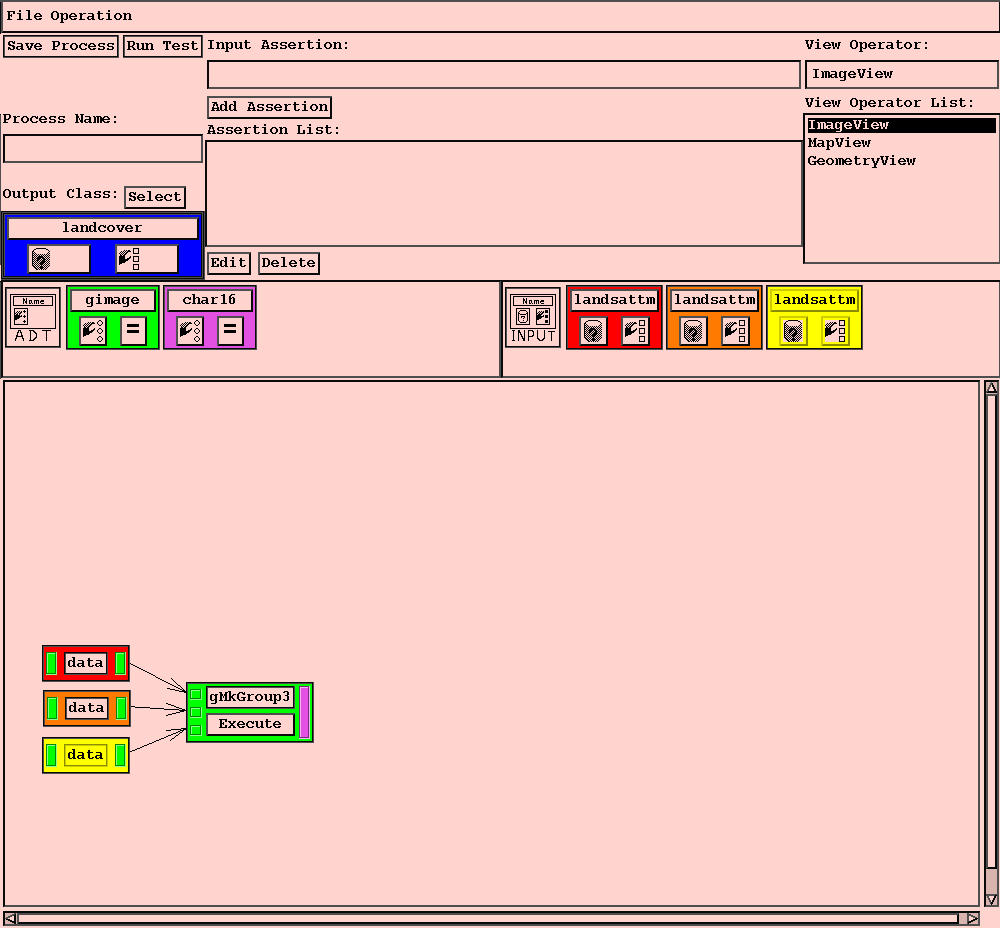
Color is used for two purposes within the Process Editor. First, each instance of an input or output class is assigned a unique color, and the icons for all fields associated with a particular instance are either outlined or filled in that color. Also, each field type (which is an Abstract Data Type, or ADT) has a color associated with it. This is used for coloring buttons on each node to indicate what input and output ports for data and operators can be connected.
The Process Editor interface is divided into several regions. The large
space at the bottom (called the Stage) is for constructing the nodes
and links of the process. There are regions for selecting the data classes for
all input and output for the process. Menus are provided of all currently
available classes (new classes can be created using the
The following is the procedure to create a new process.
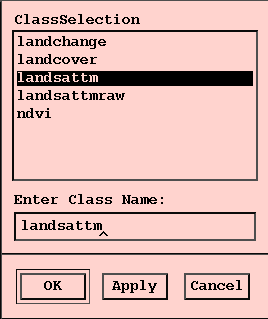
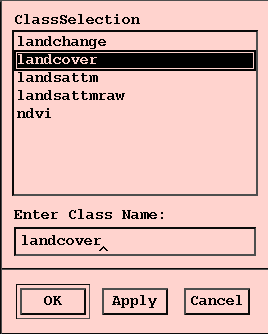
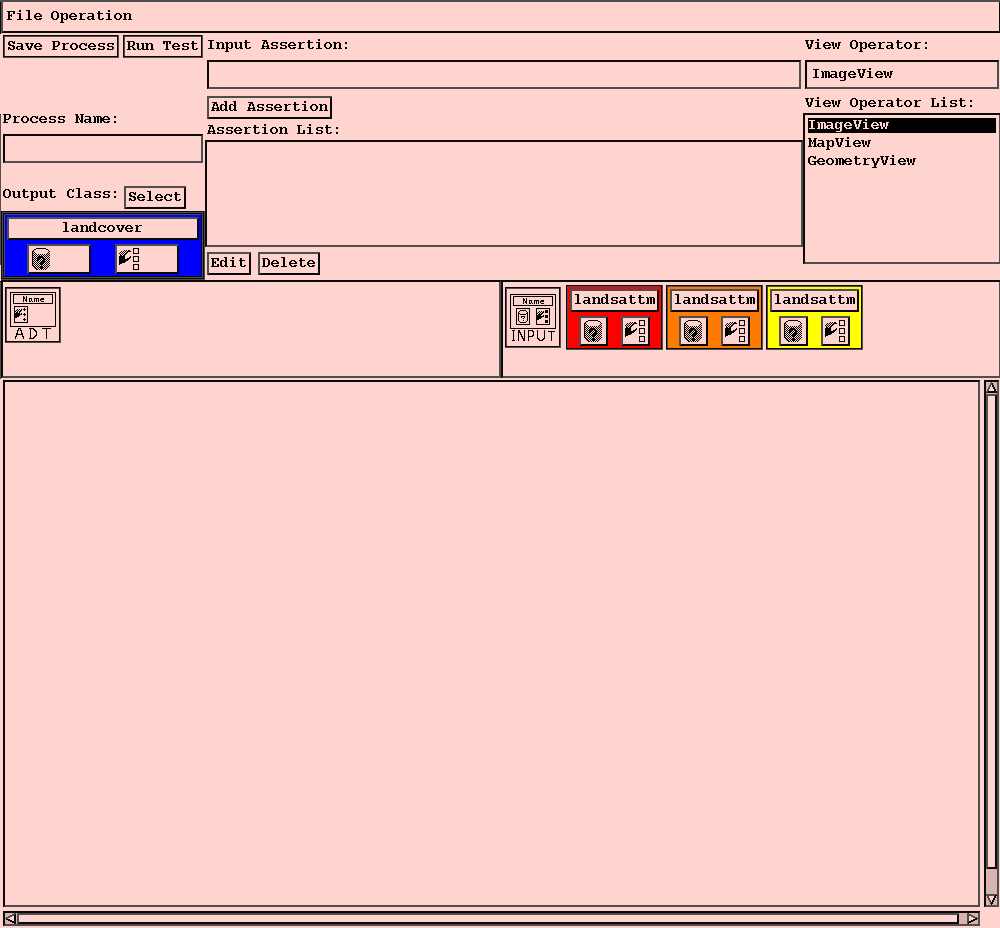
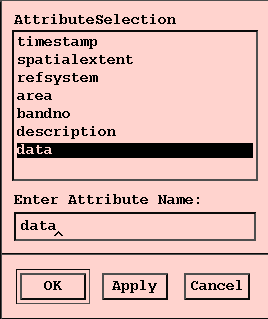
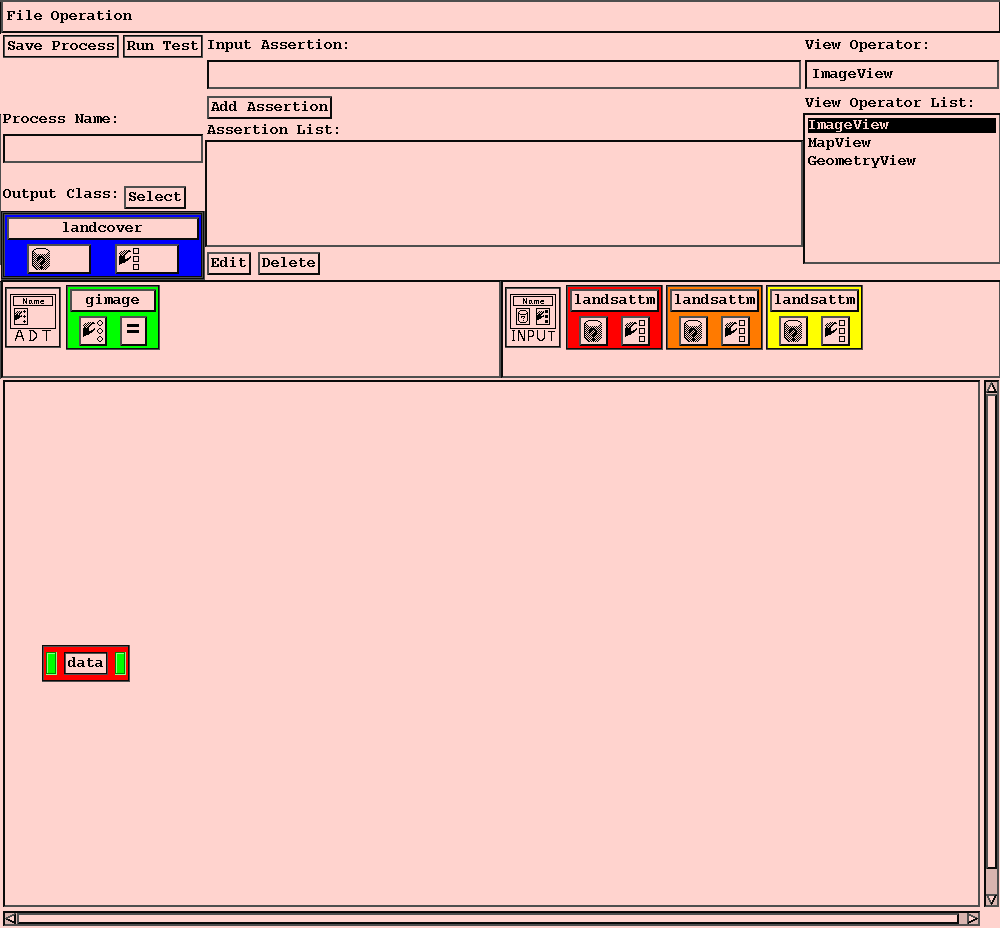
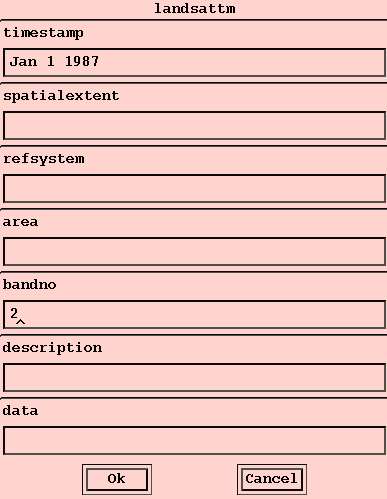
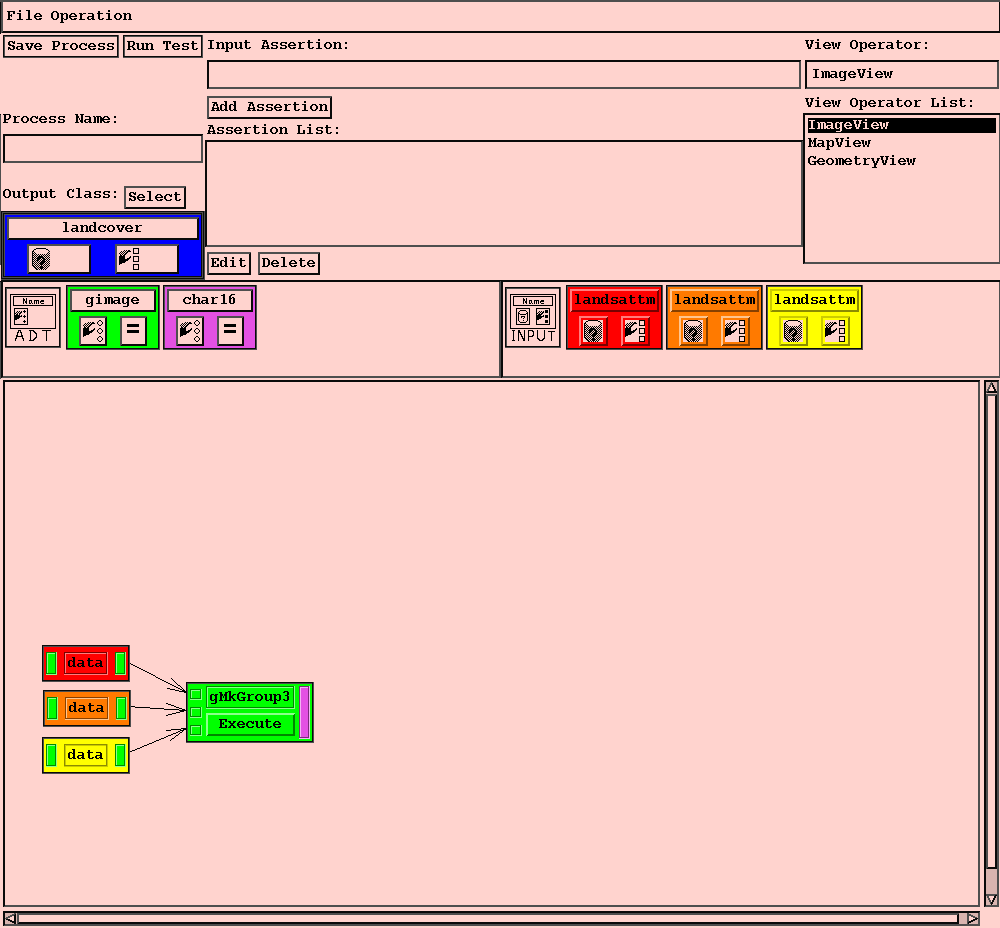
If a data object which matches the specified conditions is found, the input class and all its attributes are shaded with the same border color.
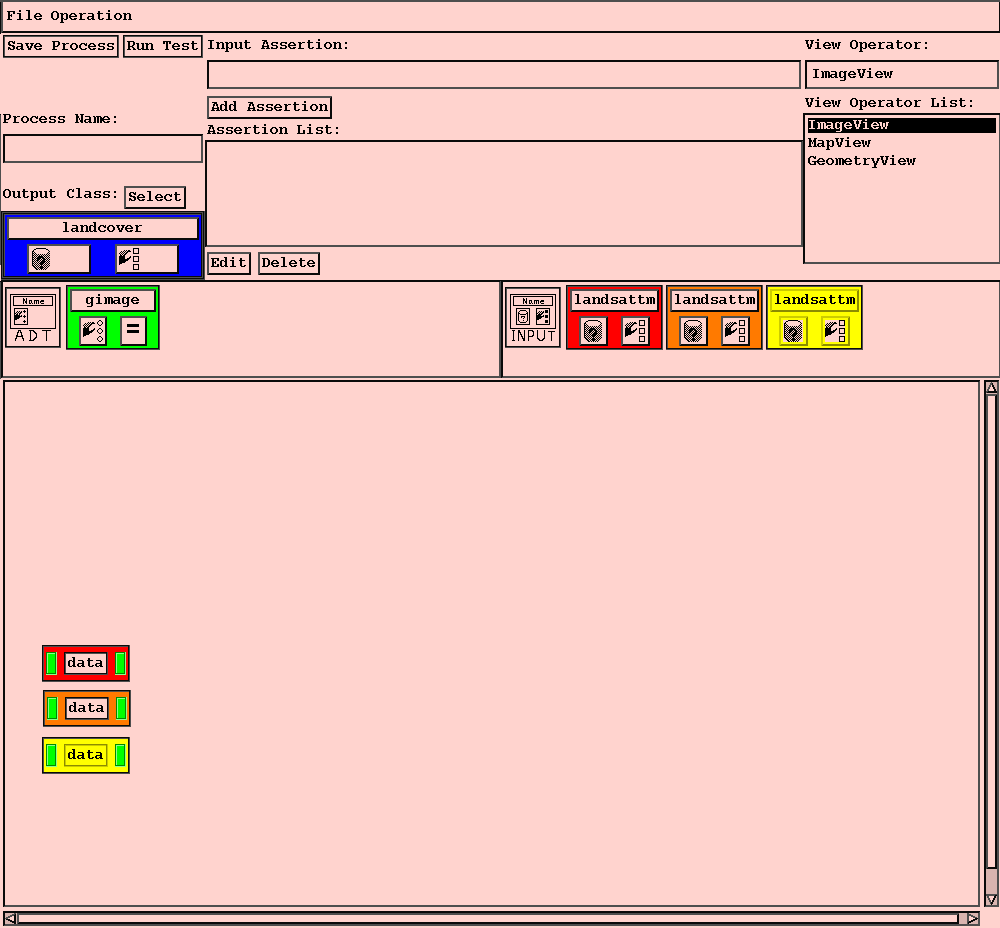
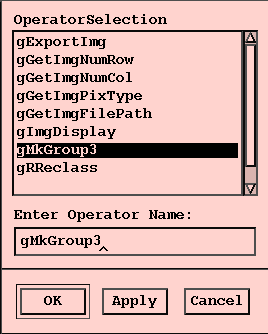
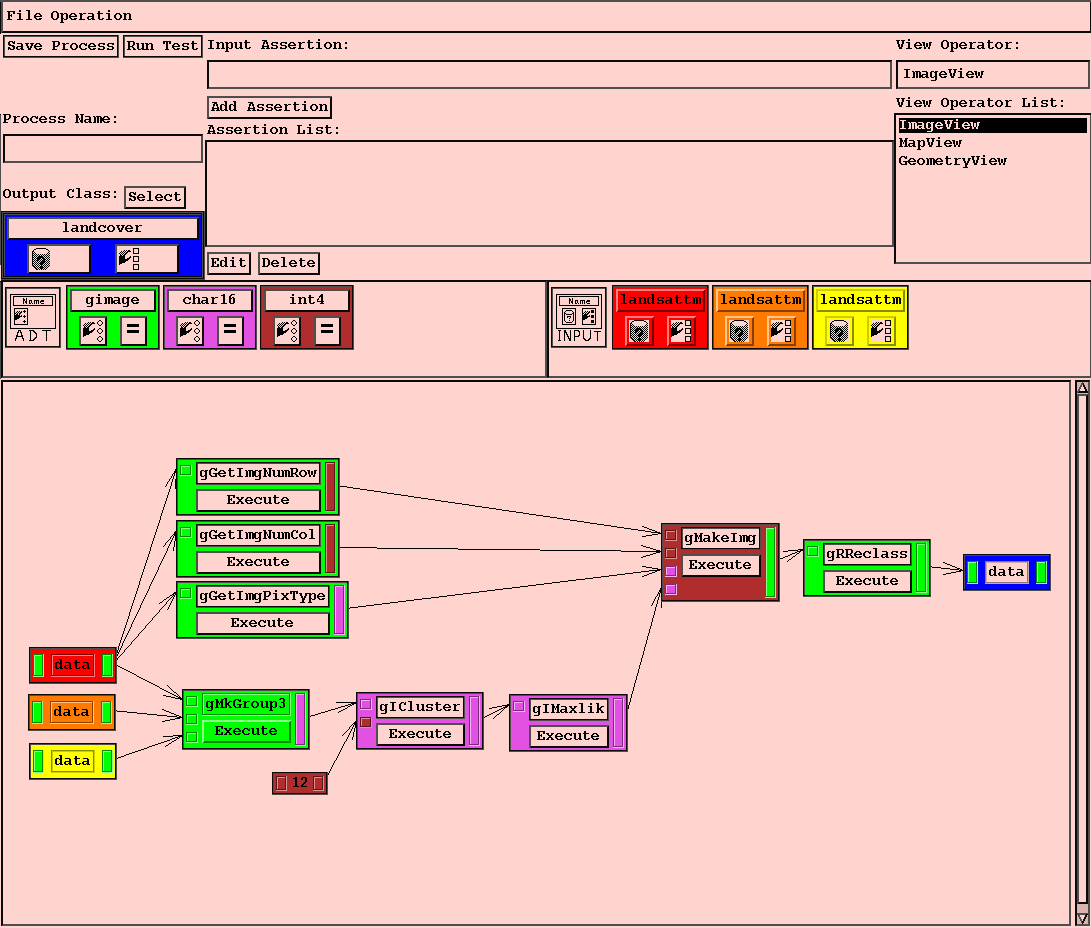
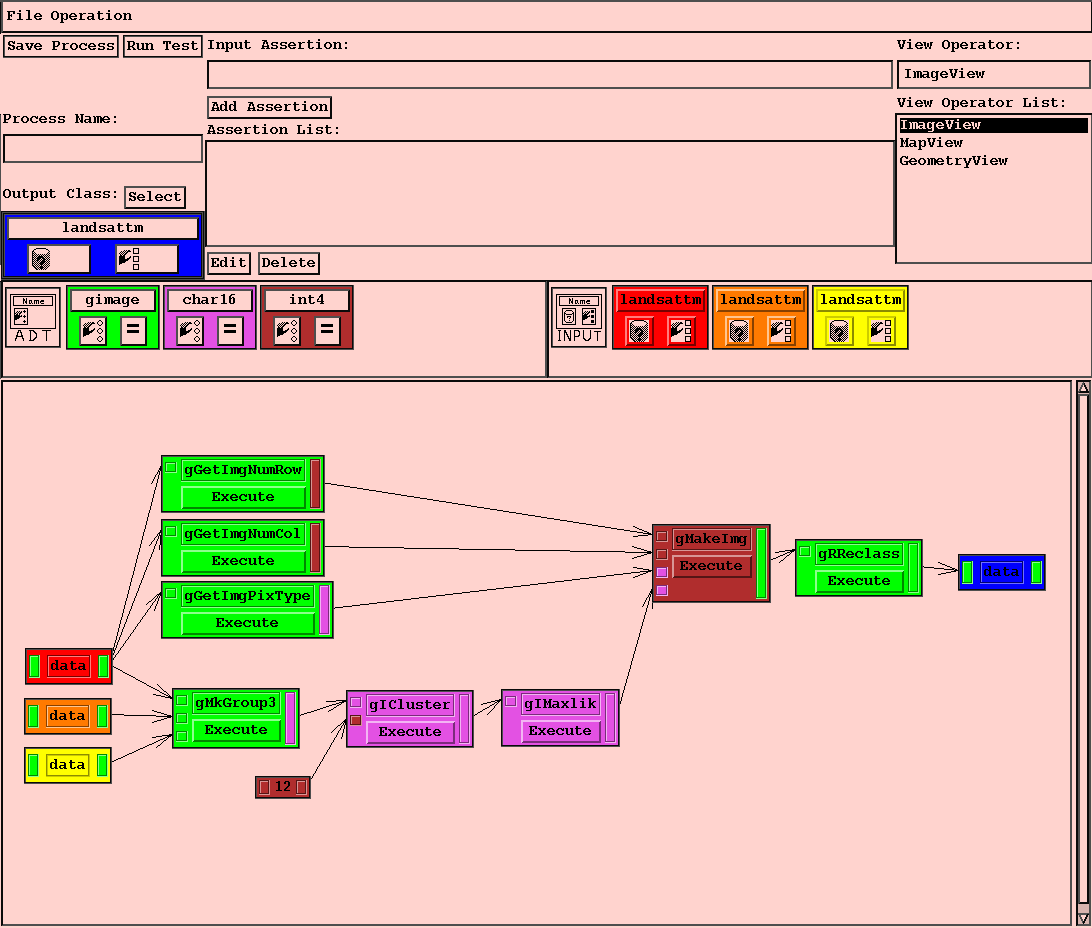
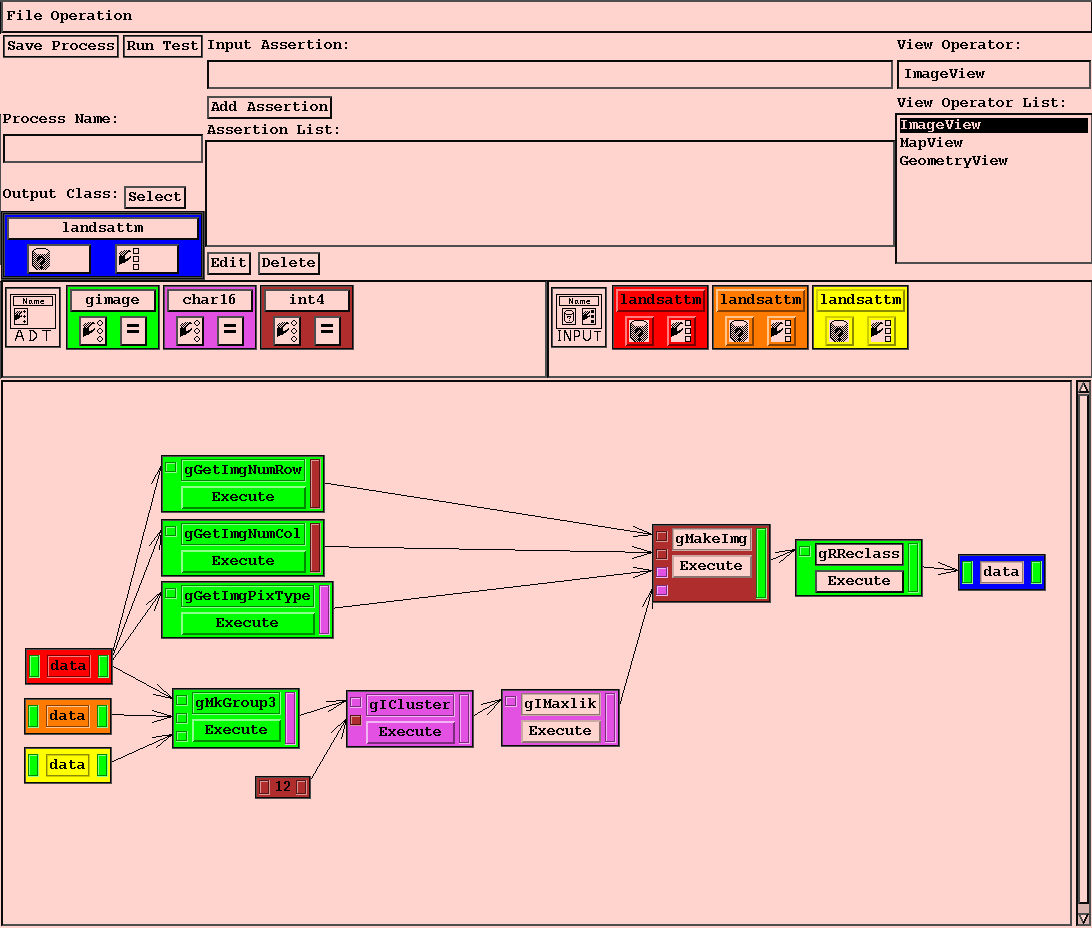 until the whole process is specified.
Matthew O. Ward (matt@cs.wpi.edu)