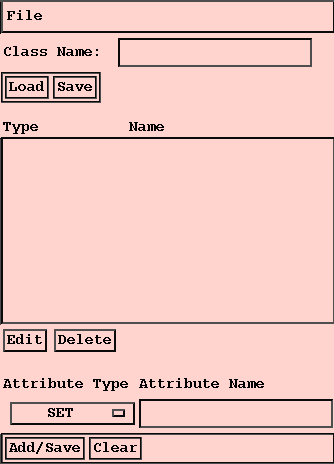
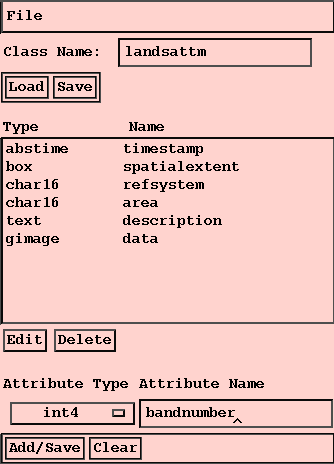
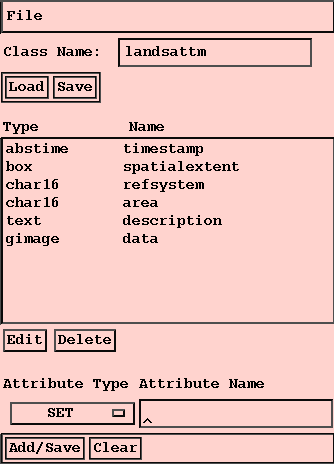
The Class Editor allows users to examine the attributes of each data class within Gaea, create new classes, either from scratch or as a modification of an existing class, or change the name or type of any attribute within a class. The Class Editor interface looks as follows:
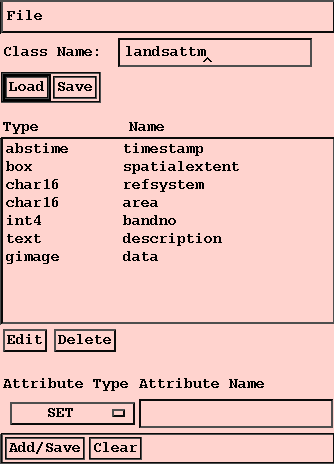
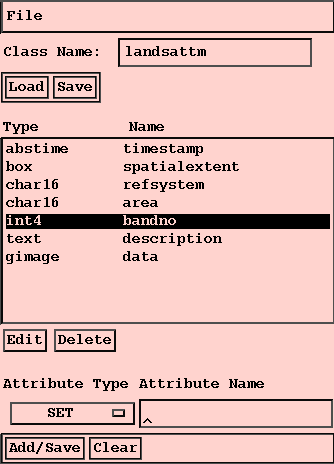
Then use the Attribute Type/Name boxes to change the type and/or name of the attribute, The button in the Attribute Type box will bring up a menu of currently defined attribute types.
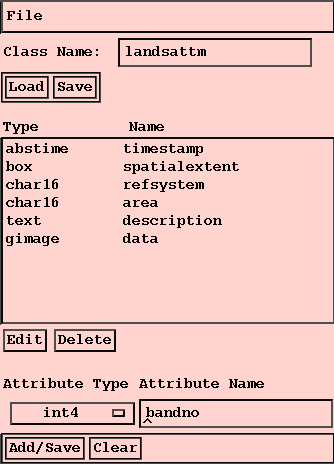
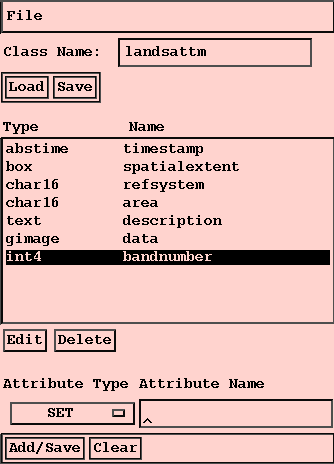
Finally, click on Add/Save to save the attribute.
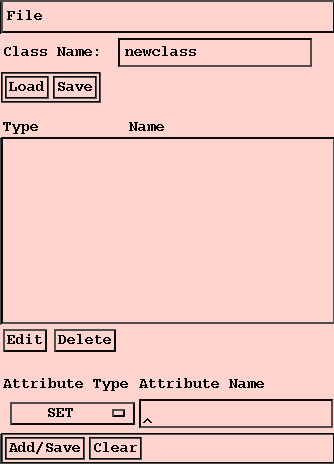
Use the Attribute Type/Name boxes to edit all of the attributes for the class.
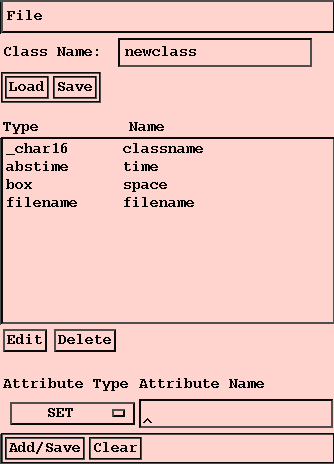
Finally, click on Save to save the class definition to the database.
Matthew O. Ward (matt@cs.wpi.edu)