Blooper 22: Poor initial window location
From GUI Bloopers, by Jeff Johnson (Morgan Kaufman Publishers, 2000).
Used without permission.
Most GUI-based computer applications consist of a main window and a number of other windows. One issue that arises is, Where on the computer screen should an application's window first appear?
Common Blooper
Display windows in a location that more for the convenience of the programmer than for the convenience of users. There are several variations:
- Variation A: Displaying all windows at the same coordinate. This forces users to move windows to uncover other ones or to prevent windows from being covered by the next displayed window.
- Variation B: Displaying subordinate windows in the middle of the parent. This creates the following problems:
- All the subordinate windows of a parent window still appear over each other. If there are many windows, we are back to the "all on top of each other" problem.
- Sometimes subordinate windows are larger than their parent windows. In such a case, the parent is completely obscured when the subordinate window appears.
- Variation C: Displaying subordinate windows off-screen. This is the WORST variation of "poor initial window location" - placing windows off-screen, so users won't even know they are there.
- Variation D: Displaying subordinate windows far away from the parent. If a user's computer has more than one display, bringing up subordinate windows far from their parent can cause the subordinate window to appear on a different display from the parent. Worse, the subordinate window might be split across displays.
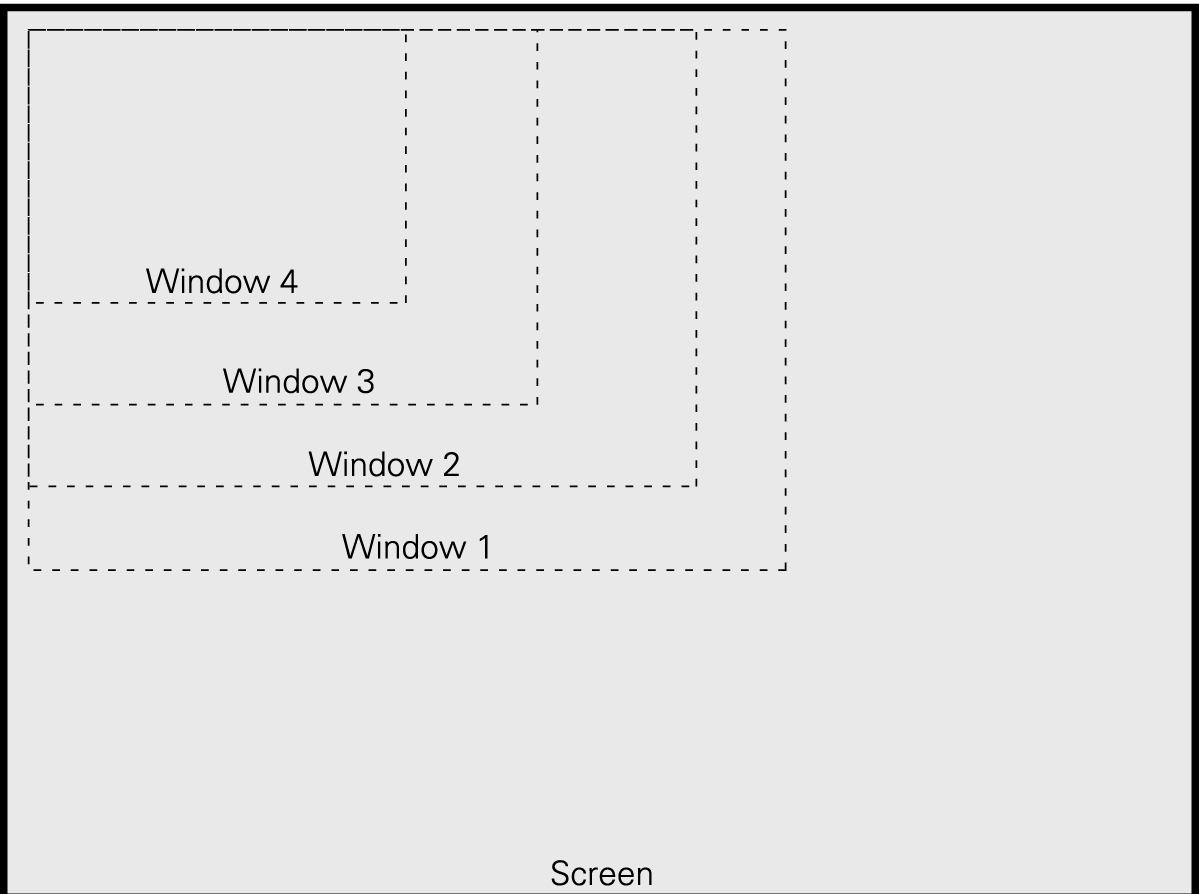
GUI programs open all new windows in screen position (0,0), the upper-left corner of the screen
Design Rule: Avoiding Poor Initial Window Location Problem